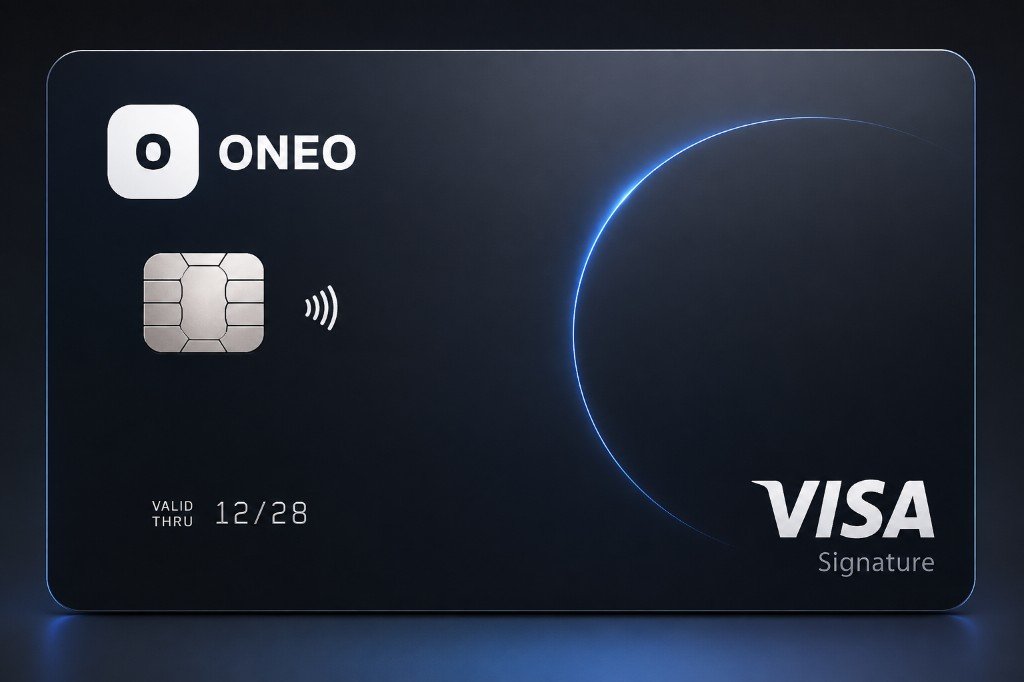
Metal Black
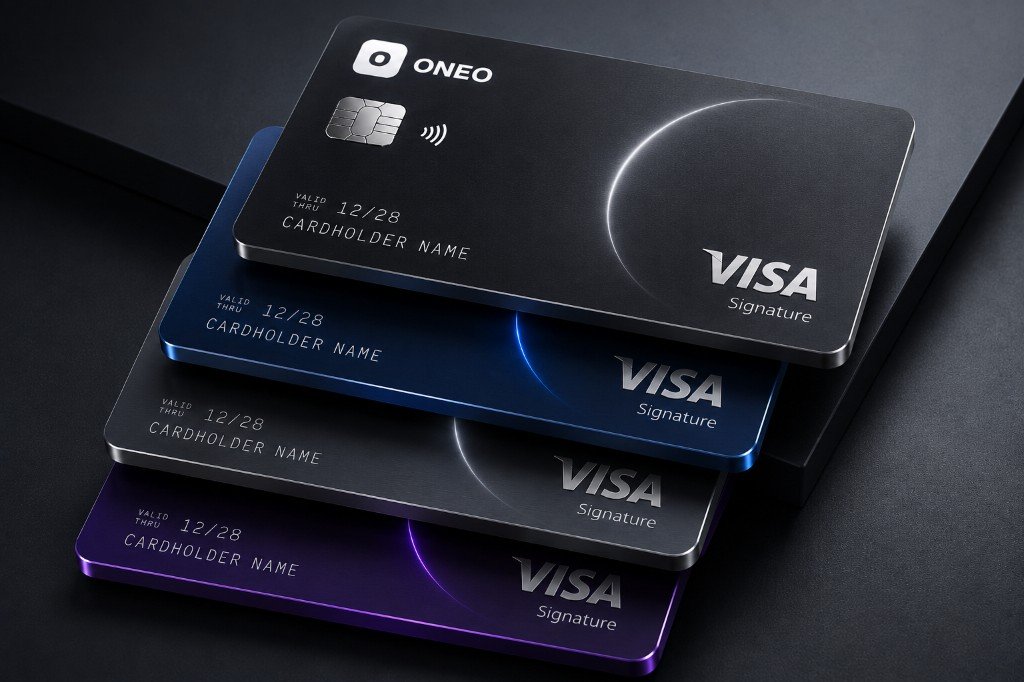
Matte Signature with a white living arc — everyday prestige.
Cards
Use physical, virtual, metal and wallet-ready cards with instant freeze and visibility from the ONEO app. Choose the card that fits the payment, then keep controls close when something changes.

Cards
ONEO Cards is built for physical/virtual/metal cards — onboarding, everyday use, controls and disclosures for this product, not a reused template from another page.
Download the appAnswers written for this product.
Cards should be useful when everything is normal and decisive when something looks wrong.

Different ways to pay, all connected to your ONEO money picture.
Matte Signature with a white living arc — everyday prestige.
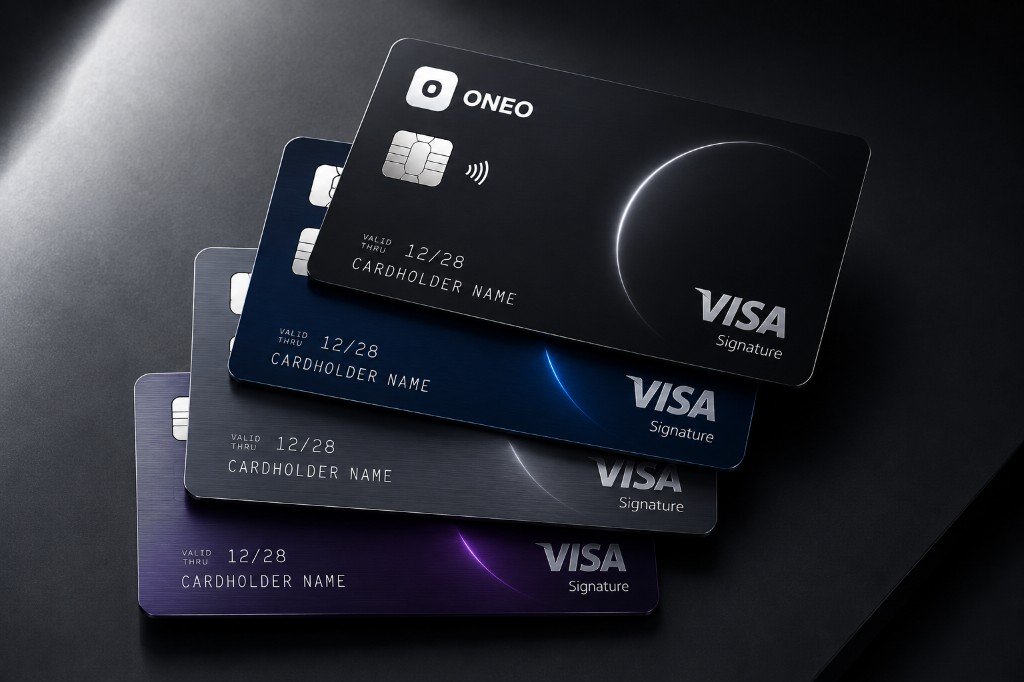
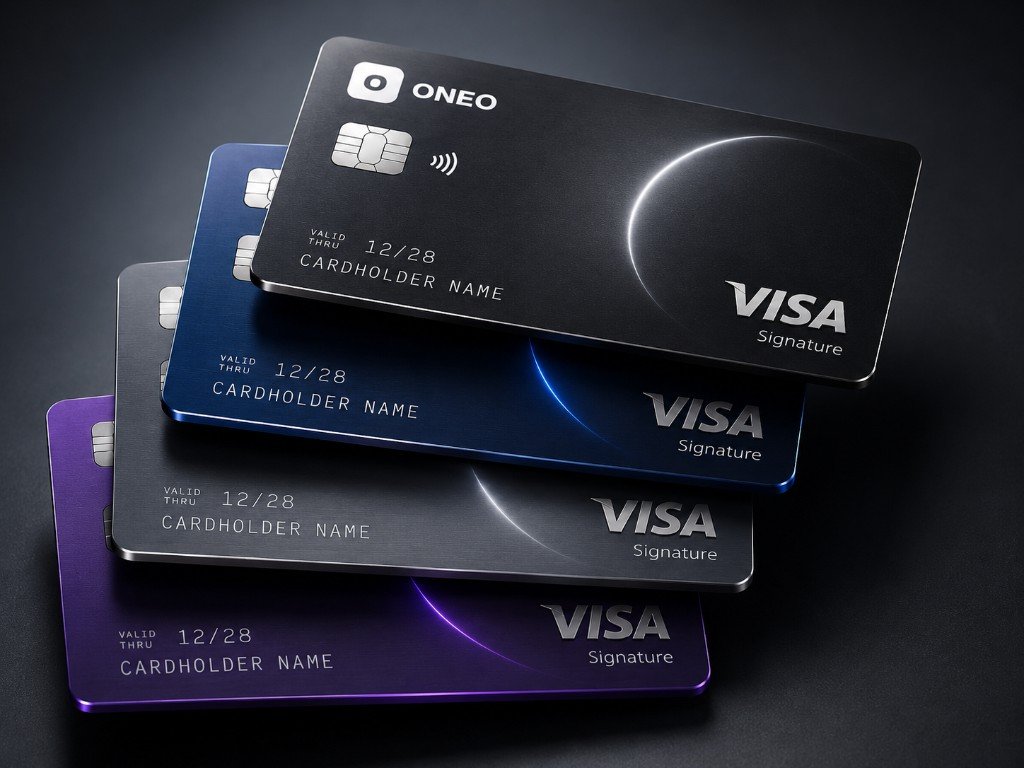
Black, blue, silver and purple finishes for every plan tier.
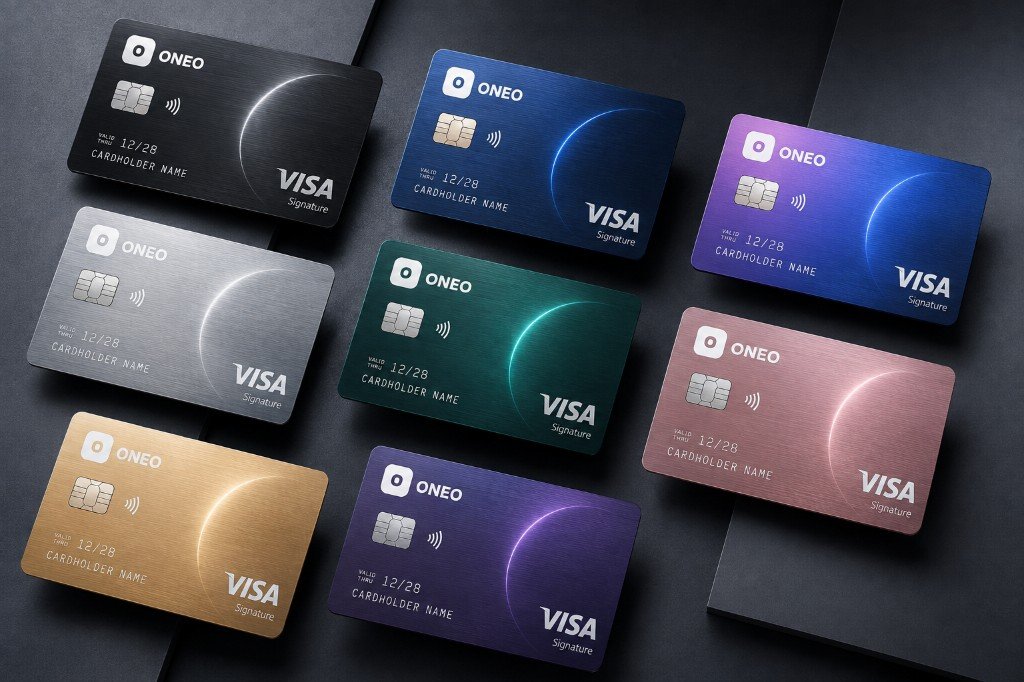
Eight metal finishes from rose gold to teal.
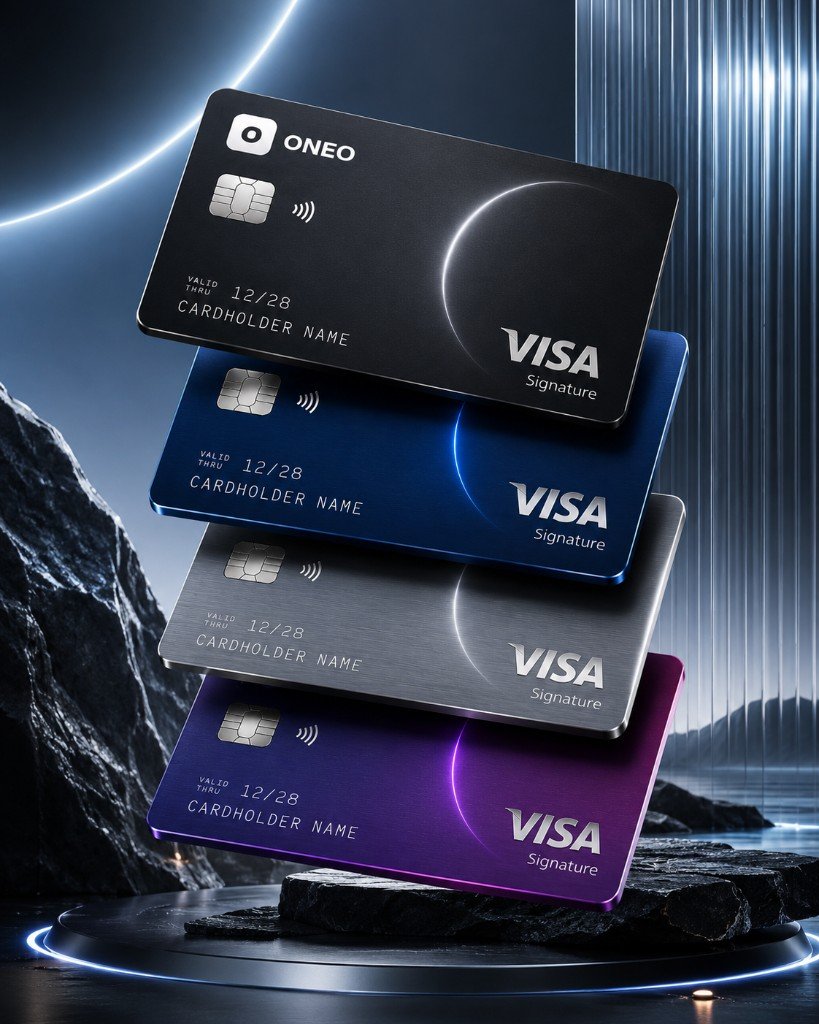
Visa Signature branding with ONEO contact details on the reverse.

Tap & go
Add an eligible ONEO card to Apple Pay or Google Pay where supported, then keep freeze and spend alerts one tap away.
Physical metal and plastic remain available for hotels, deposits and terminals that still prefer a card in hand.
Daily spend
Budgets, alerts, card controls and linked accounts sit together so spending decisions have context. A card transaction becomes part of the month, not just a notification.
Use virtual cards for online merchants and keep your physical card for travel or in-person payments.
Travel
Exchange before a trip, spend from available balances and check fees before using ATMs. Keep a back-up virtual card for bookings and a physical card for terminals that need one.
Network acceptance, ATM access and wallet support vary by market and merchant.
Most card fraud stories start with reused numbers or ignored alerts.

Important
Cards may be issued by partner institutions. Fees, ATM limits, wallet availability, delivery and replacement rules vary by plan, country and eligibility.
Features, pricing, limits and corridors vary by market, partner availability, network coverage and identity verification.
Cards are where ONEO daily money meets Visa, Mastercard, wallets, travel and instant security controls.

ONEO may offer Visa and Mastercard options depending on country, plan and issuing partner. Network choice can help with travel acceptance and merchant coverage.
Freeze the card from the app, review recent spend and replace it through the supported flow. The point is to stop new spend fast before investigating.
Lost device →
Virtual cards give subscriptions, trials and online merchants a separate card number. If a merchant looks risky, replace that virtual card without changing your main card.

Metal card access belongs to eligible Personal plan terms such as Metal or Ultra. ONEO X is a separate crypto product experience and is never a plan tier.
Plans →
Lifestyle spend
Use a physical card for daily terminals, a virtual card for online merchants, and wallet payments where Apple Pay or Google Pay is supported. ONEO keeps spend controls, budgets, multi-currency balances and freeze actions close to each card.
The ONEO benefit is context. A card payment can show up beside travel FX, pots, recurring subscriptions and plan benefits instead of becoming an isolated bank notification.
ONEO · Your global finance, one app
Join customers building a global money life with ONEO